Free script for PixInsight and Siril · v1.0
Halo Swatter
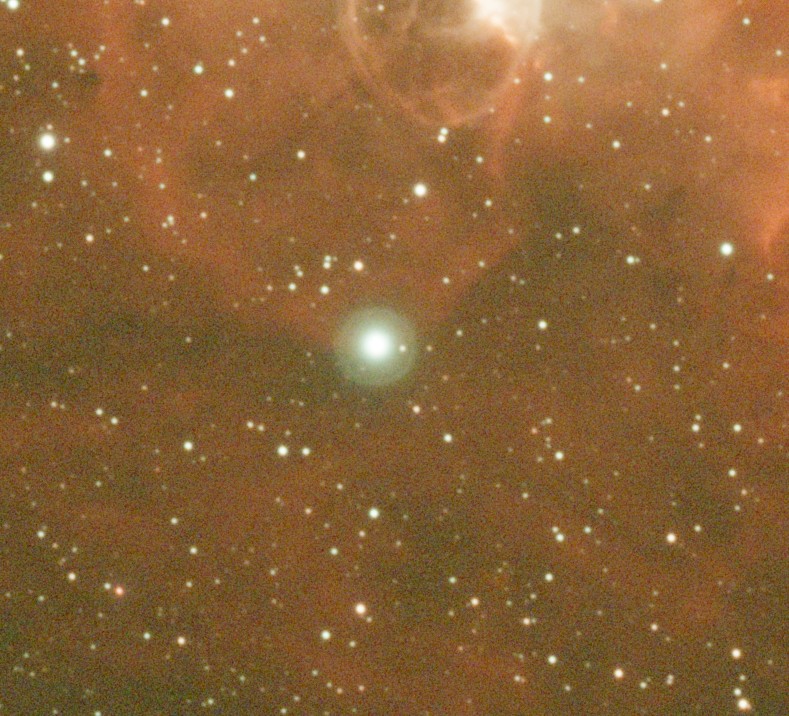
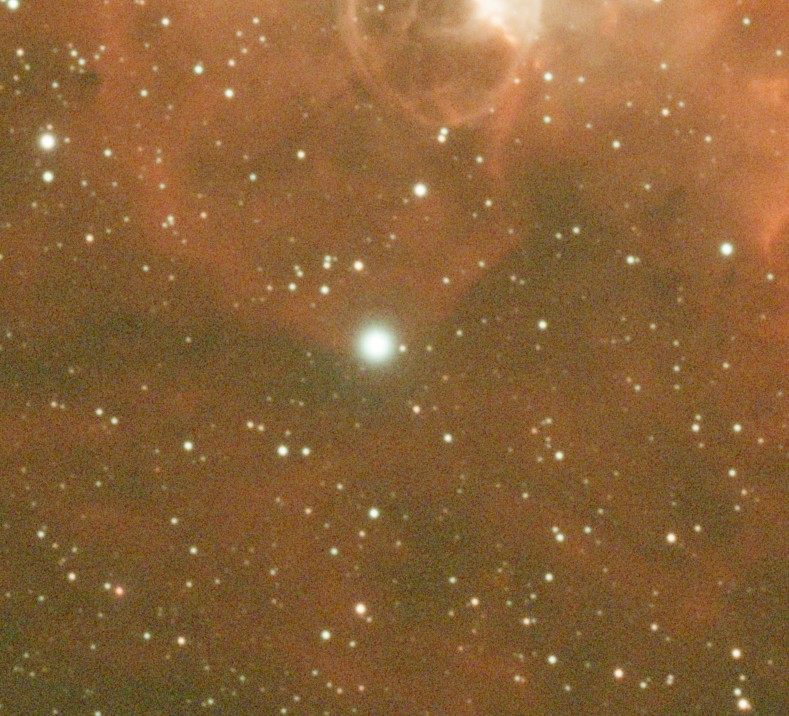
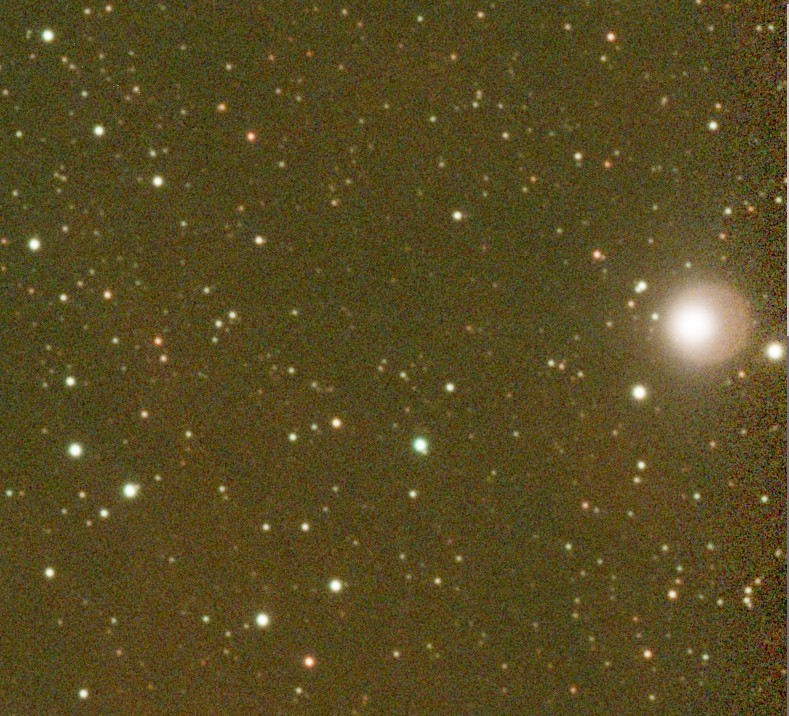
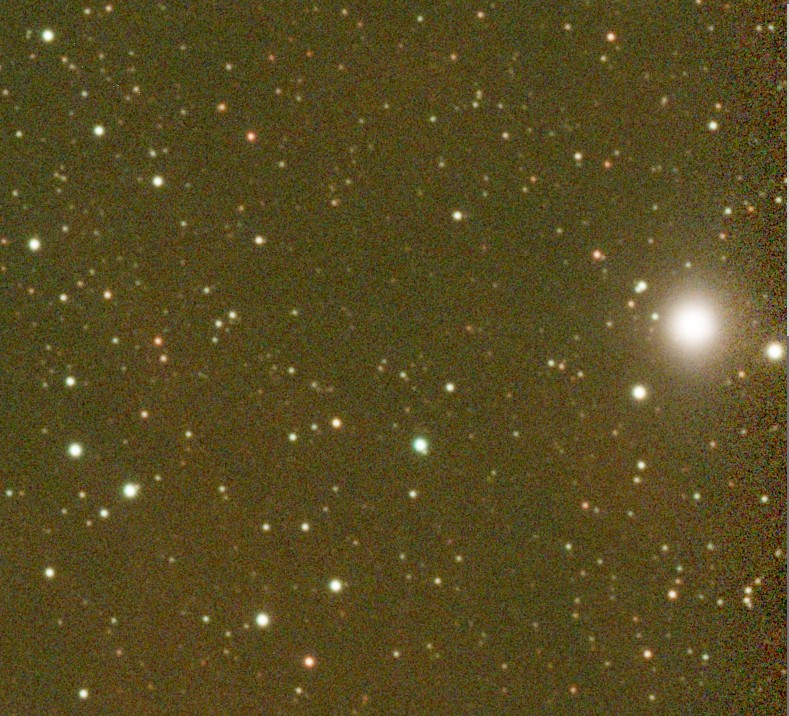
Removes star halos from astrophotos: reflections from filters and optics, and glow around bright stars.
Click the star, fine-tune, compare with the original, apply.
Examples
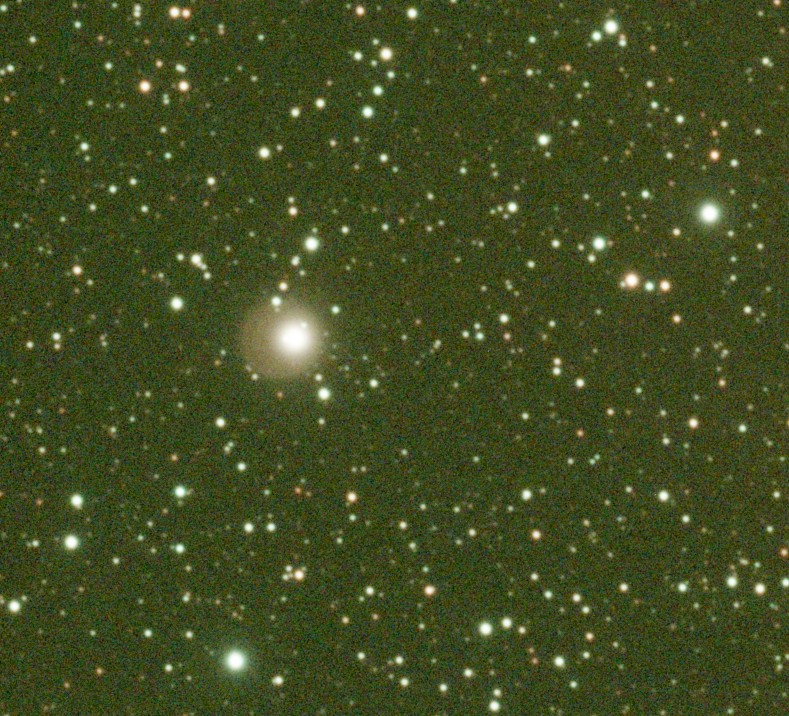
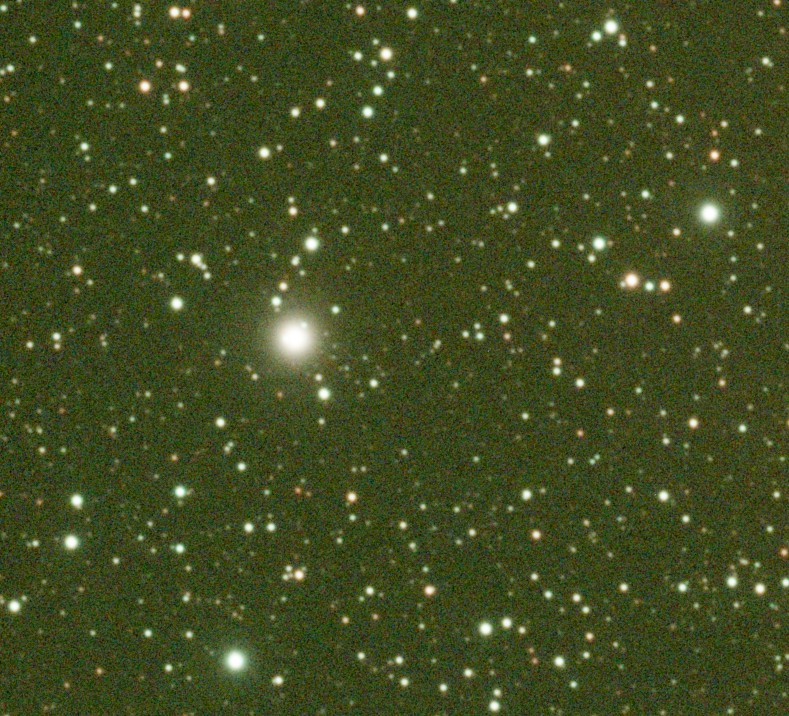
Real images, corrected with Halo Swatter. Drag across an image to compare.
Install
Halo Swatter comes in two versions, one for PixInsight and one for Siril. Both do the same thing and work the same way.
PixInsight 1.8.8 or newer
-
Open , click and paste this address:
https://your-domain/repository/ Open , install the Halo Swatter update and restart PixInsight.
Start the script from .
PixInsight then keeps the script up to date. The repository isn't code-signed yet, so PixInsight asks you to confirm before it installs the script.
By hand: download HaloSwatter.js into a folder of its own, open , click , choose the folder and click .
Siril 1.4 or newer
-
Download the script into a folder of its own:
Open . This opens the tab of the preferences. Add the folder to the script directories and apply.
Start the script from the menu.
On first start, Siril installs the Python packages the script needs. This takes a moment, once.
Both versions are plain source code: you can read every line.
Using it
Both versions work the same way, and everything happens in the preview. Click the star of each halo you want gone, check the result, then press .
- Click a star
- Adds a halo and measures its size and center automatically.
- Drag outward from a star
- Adds a halo with a size you set by hand.
- Click a halo's star
- Selects that halo. Its settings appear on the left.
- Drag a halo's circle
- Resizes it.
- Drag the small center mark
- Moves the halo's center, for halos that sit off their star. Shift-drag on the star does the same.
- Space
- Switches between the original and the preview.
- Del
- Removes the selected halo.
- Mouse wheel, middle-drag
- Zoom and pan. Alt-drag pans as well.
Settings per halo
- Halo radius
- Where the halo has faded into the background.
- Star radius
- The star's core. The star's own light around it is kept.
- Amount
- 1 removes the halo completely, lower values only reduce it.
- Feather
- How softly the correction fades out towards the halo's edge.
- Only remove the halo's color
- For color images: removes a tint, such as a blue fringe, and keeps the halo's neutral brightness.
Use linear data. Run Halo Swatter before stretching. There, a halo's light simply adds to the image, so removing it is exact. The preview stretches the image for display only.
How it works
Around every halo, Halo Swatter separates two kinds of light: the star's own light, which falls off smoothly from its center and is kept, and the halo's light on top of it, which is removed. Underneath the star, the halo is removed too, so the star keeps its natural shape.
The halo is measured ring by ring around its own center, using the median brightness of each ring. Field stars and nebula details inside the halo only cover a small part of each ring, so they don't end up in the correction. The background is measured just outside the halo, gradients included.
Many halos aren't centered on their star. Halo Swatter finds a halo's own center automatically, either from its edge or, for a diffuse glow, from where the glow fits best, and then checks that what's left of the star is round.
Where part of a halo is fainter than the rest, the script subtracts less there. The correction can only become weaker this way, never stronger, so it doesn't dig dark holes next to neighboring stars.
Questions, a halo it can't handle, or an idea? Write to andre@cloudyagain.com.